
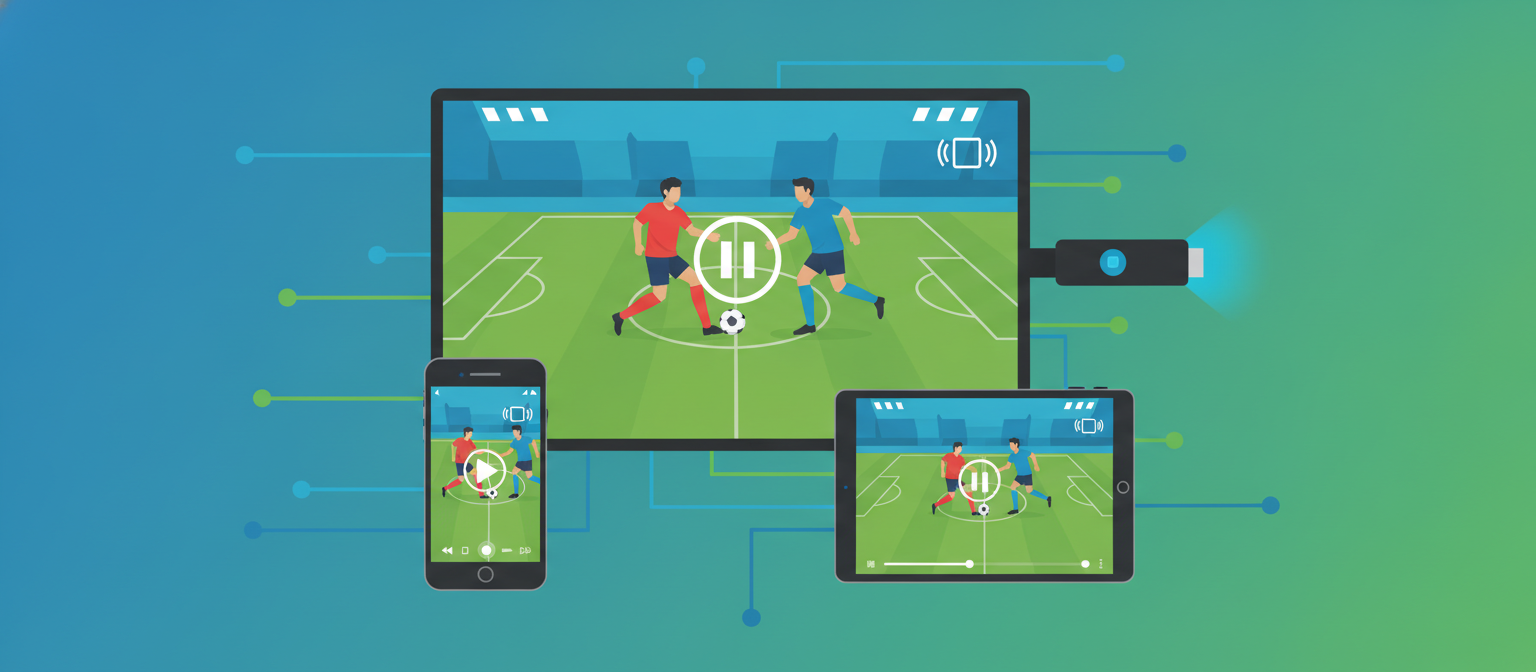
You can watch football on Firestick, mobile, smart TV, and games consoles — anything with a browser or a streaming app and a stable internet connection. The best device depends on where you watch: a phone for streaming on the move, a Fire Stick or smart TV for the big-screen experience. Here’s how to set up live football streaming on every device.
Watch football on Amazon Fire Stick
The Amazon Fire Stick is one of the most popular ways to watch football on a TV because it turns any screen with an HDMI port into a smart TV. Plug it in, connect to Wi-Fi, and install your broadcaster’s app — such as beIN Connect — or open a browser-based app to reach a stream. The Fire Stick’s remote and simple interface make it ideal for match nights, and you get a full big-screen picture without a smart TV.
For the best experience, use a Fire Stick 4K on a strong Wi-Fi connection, and close background apps before kick-off to keep the stream smooth.
Watch football on mobile
Your phone is the most convenient device for live football streaming. Both Android and iOS run broadcaster apps like beIN Connect, and you can also watch browser-based streams on 4G, 5G or Wi-Fi. Mobile is perfect for catching a match away from home — just make sure you have enough data or a stable signal, and use headphones for a better experience in public.
Watch football on a smart TV
Most modern smart TVs (Samsung, LG, Android TV, Google TV) have app stores where you can install streaming apps directly, no extra hardware needed. If your broadcaster has an app, install it and sign in; if not, many smart TVs include a web browser you can use to reach a stream. A smart TV gives you the cleanest big-screen setup for weekend fixtures and European nights.
Watch football on games consoles
PlayStation and Xbox both include web browsers and support many streaming apps, so your console doubles as a football streaming device. It’s a handy option if your console is already connected to your main TV — just open the app or browser and load your stream.
How to cast a match to your TV
If you’re watching on a phone or laptop, you can cast the picture to your TV using Chromecast, AirPlay (Apple TV) or screen mirroring. Start the stream on your device, tap the cast icon, and select your TV. Casting is the easiest way to get a mobile stream onto the big screen without extra apps.
Get the best streaming quality
- Use a wired or strong Wi-Fi connection — football streams are bandwidth-heavy, especially in HD.
- Run an ad-blocker on browser-based streams to cut pop-ups and redirects.
- Consider a VPN for privacy and to reach geo-restricted streams in Pakistan.
- Load early so the stream is stable before kick-off.
For where to watch each competition and the safest sources, see our football live streaming guide and our roundup of the best free football streaming sites.
Frequently asked questions
How do I watch football on a Firestick?
Plug the Fire Stick into your TV’s HDMI port, connect to Wi-Fi, and install your broadcaster’s app (such as beIN Connect) or open a browser-based app to reach a stream. A Fire Stick 4K on strong Wi-Fi gives the best picture.
What is the best device to stream football?
For the big-screen experience, a Fire Stick or smart TV is best; for watching on the move, your phone is the most convenient. All modern devices support live football streaming with a stable connection.
Can I watch football on my phone for free?
Yes. Free streaming sites work in a mobile browser, and some broadcasters offer free apps for selected matches. Use an ad-blocker and a reputable site, and watch on Wi-Fi to save data.
How do I cast a football match to my TV?
Start the stream on your phone or laptop, then use Chromecast, AirPlay or screen mirroring to send it to your TV. Tap the cast icon and select your TV to watch on the big screen.
Pick your device, get set up early, and enjoy the match.